Updated for the new SurveyStance app: this setting is now in app.surveystance.com under Survey Kiosk > Device > Device Settings (click Device Settings next to your device). See Device Settings: Customize Your iPad Kiosk.
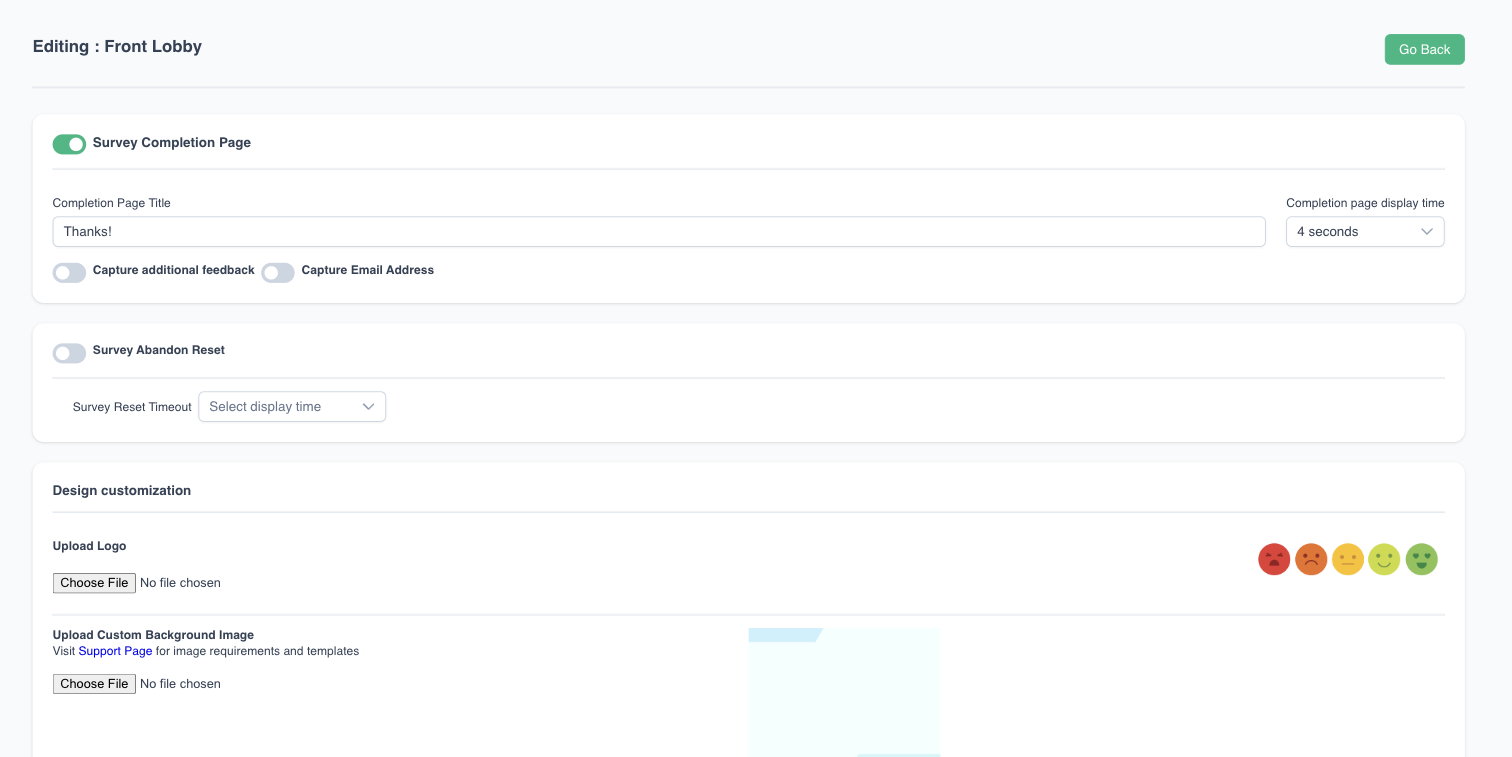
Uploading a custom background can be a great way to brand your survey. The background image uploaded will be displayed in both the Welcome Page and Survey Completion Success Page.
App Version 7.5+ Required
Recommended image with the following specifications:
- 2048 x 1536 pixels for iPads with Retina Display, or 2732 x 2048 for the iPad Pro.
- PNG file format
Default Background Image:

Templates


