Updated for the new SurveyStance app: this setting is now in app.surveystance.com under Survey Kiosk > Device > Device Settings (click Device Settings next to your device). See Device Settings: Customize Your iPad Kiosk.
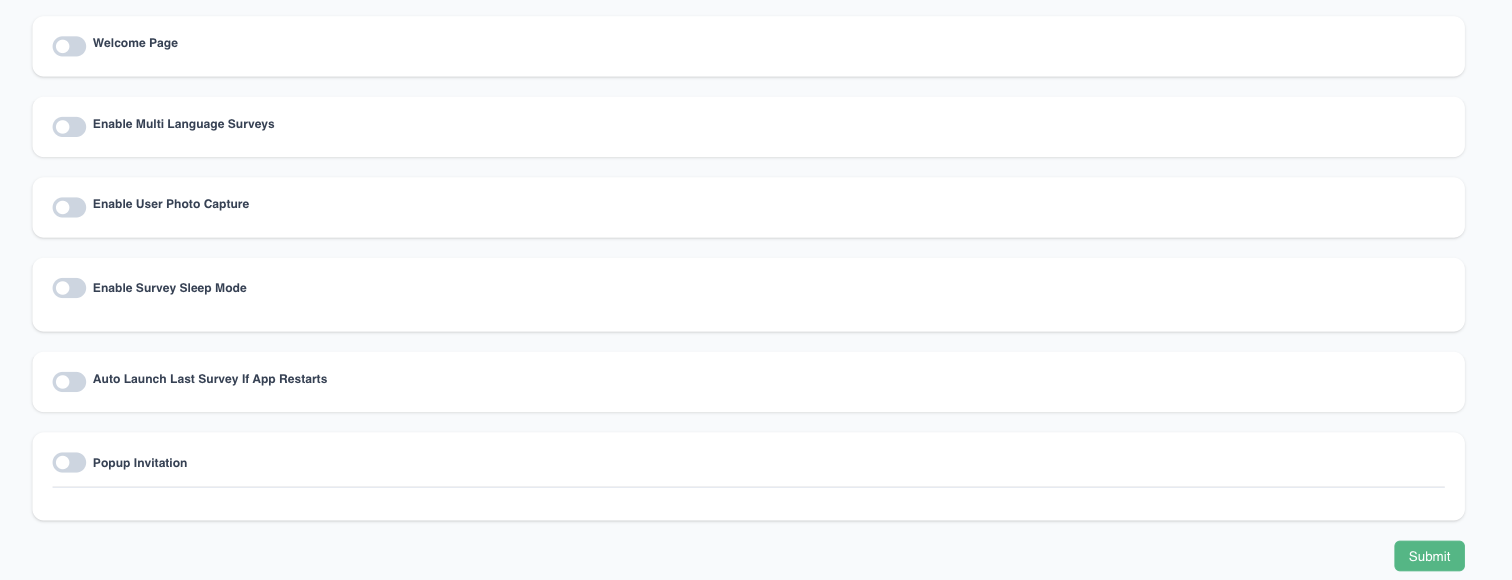
The Auto Launch Survey setting will automatically launch the most recent survey if the app restarts
To edit this setting: log in at app.surveystance.com, go to Survey Kiosk > Device and click Device Settings next to your device.