Updated for the new SurveyStance app: this setting is now in app.surveystance.com under Survey Kiosk > Device > Device Settings (click Device Settings next to your device). See Device Settings: Customize Your iPad Kiosk.
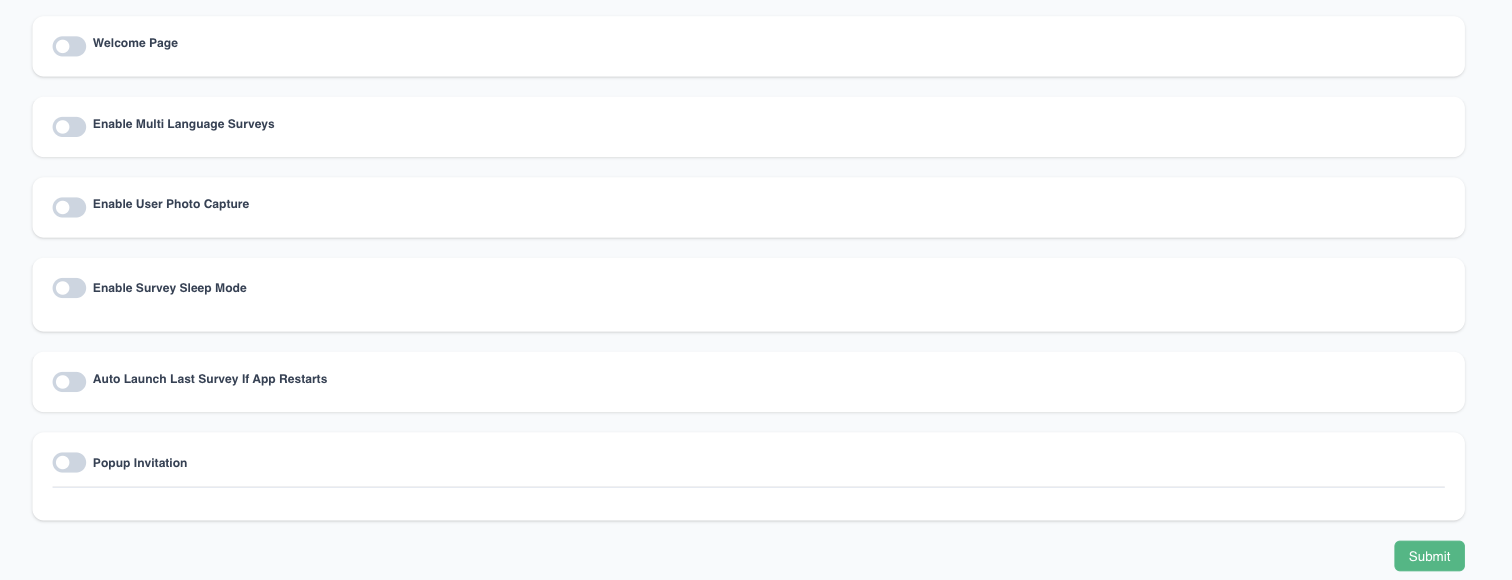
The Survey Welcome Page is used to display a page prior to the Survey starting. Survey will only begin after user 'Taps' or 'Swipes'.
The Swipe option is shown as an emoji that states "Swipe to Start Survey".
The Tap option is shown as a finger tapping the screen and states "Tap Here to Start Survey"
Start with Swipe | Start with Tap |


To edit this setting: log in at app.surveystance.com, go to Survey Kiosk > Device and click Device Settings next to your device.